When to Replace Spreadsheets With Custom Software
By Jagassar ·
Spreadsheets are where most businesses start running things, and for good reason: they're flexible, cheap and everyone knows how to use them. But there's a point where the spreadsheet starts running you. This guide covers the warning signs, the options beyond custom software, and how to make the switch without disrupting the business.
Spreadsheets aren't the problem, until they are
There's nothing wrong with running part of a business on a spreadsheet. It's often the right first step: you can shape it exactly how you work, change it in seconds and share it with your team. Plenty of businesses never need more.
The trouble starts when a spreadsheet stops being a record and becomes a system: several people editing it at once, information copied in from emails and other tools, formulas only one person understands, and decisions made from numbers nobody fully trusts. At that point the time spent working around it is a real cost, even if it never shows up on an invoice.
Warning signs you've outgrown it
- Version chaos: copies saved as "final", "final v2" and "use this one", or people overwriting each other's changes.
- Double entry: the same customer, order or booking typed into the spreadsheet, the accounting tool and an email.
- One person holds it together: if they're away, nobody knows how the formulas work or which tab is current.
- Mistakes are getting expensive: a wrong cell leads to a double booking, a missed invoice or an order shipped to the wrong address.
- Customers have to ask: clients phone or email for updates you could show them, because the information lives in a file only staff can open.
- Access is all or nothing: you can't let a contractor see their jobs without also showing them every other client and price.
- Reporting takes days: answering a simple question like "what did we sell last month by product?" means an afternoon of copying and filtering.
- It's slow or fragile: the file takes ages to open, or one sorted column scrambles the rows.
One or two of these is normal. Three or more, happening every week, usually means it's time to look at something better.
Try off-the-shelf software first
Before building anything, check whether ready-made software already does the job. Off-the-shelf tools exist for most common business tasks:
- Accounting and invoicing.
- Customer relationship management (CRM): tracking leads, clients and conversations.
- Appointment booking and scheduling.
- Project and job management.
- Inventory and online stores.
- Forms, approvals and simple databases that work like a smarter spreadsheet.
These are quick to start, cost a monthly fee instead of a build, and the company behind them handles updates and security. If one fits 80 to 90% of how you work, adjusting your process to fit it is often cheaper than building custom software.
Off-the-shelf tools fall short when your process is what makes you different, when you'd need four separate tools stitched together to cover one job, when per-user fees grow painful as your team grows, or when the tool simply can't model your rules.
When custom software makes sense
Custom software, sometimes called business process software or an internal tool, is built around the way your business actually works. It's worth considering when:
- The work is central to your business and done every day, so small time savings add up.
- Your rules are specific: pricing, scheduling, approvals or capacity limits that generic tools can't handle.
- Several people need different views of the same information, such as staff, managers, contractors and customers.
- You need customers to log in and see their own information, or to book and pay online in a way standard tools don't support.
- You want one place for information that's currently spread across several tools and files.
Custom software costs more upfront and needs ongoing care, so it should solve a problem that's costing you real time or money. It shouldn't be built just because a spreadsheet feels old-fashioned.
The hybrid option: connect what you already use
You don't always need to replace everything. Often the best answer is to keep the tools that work, such as your accounting software, calendar and email, and build a small custom piece that connects them and covers the gap. For example:
- A booking or order form that creates the invoice in your accounting software automatically.
- A simple dashboard that pulls numbers from several tools into one view.
- A customer portal that shows clients their status and documents, fed by the system your staff already use.
This keeps the build small and lets your team keep the tools they know.
Start small
The safest way to move off spreadsheets is one process at a time:
- Pick the spreadsheet that causes the most pain or the most mistakes.
- Write down exactly how it's used today: who adds information, who reads it, what decisions it feeds.
- Build the smallest version that replaces that one job, and run it with a few staff first.
- Keep the old spreadsheet read-only for a while as a safety net.
- Once it's working, move on to the next process.
Small steps keep the cost and risk down, and your team gets used to the new system gradually instead of all at once.
Moving your data across
Spreadsheet data is rarely as tidy as it looks. Before switching, plan for:
- Cleaning: duplicate customers, names spelled three ways, dates in different formats, notes typed into number columns.
- Deciding what to keep: years of old rows may not need to come across, or can be archived.
- A trial import: load a copy, check it with the people who know the data best, then fix and repeat.
- A cut-over date: the day everyone stops editing the spreadsheet and starts using the new system.
Make sure you own your data
Whatever you choose, off the shelf or custom, make sure your business information stays yours. Ask:
- Can we export all of our data, in a standard format like a spreadsheet file, at any time?
- Who owns the custom software and its code once it's paid for?
- Where is the data stored, and how is it backed up?
- Who can see customer information, and how is access removed when someone leaves?
If you hold customers' personal information, privacy law applies too. In Canada, the federal private-sector privacy law (PIPEDA) covers businesses that collect, use or share personal information in the course of commercial activity, and the Office of the Privacy Commissioner publishes a plain-language summary of what it requires.
An example: Seascape
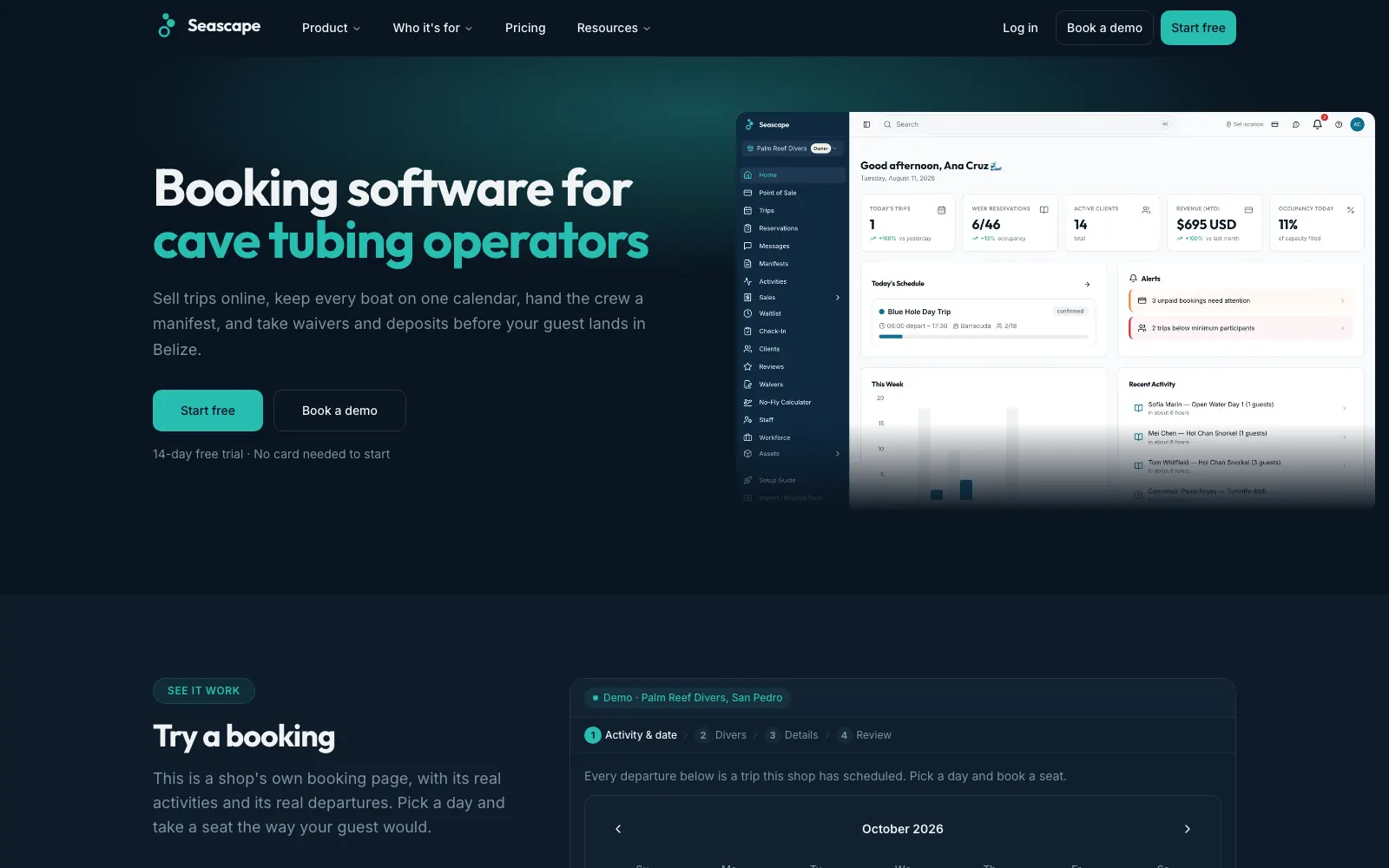
Seascape, our platform for dive and tour shops in Belize, came from shops needing bookings, waivers, boat lists and payments in one system. It now brings together bookings and seats left on each trip, digital waivers and medical forms, boat manifests with certification levels and gear sizes, a point-of-sale till, invoices, staff scheduling and gear and boat maintenance tracking. Shops run the whole boat day from one system, with daily takings reports built in.
Common questions
When should a business stop using spreadsheets?
When the spreadsheet causes repeated mistakes, double entry, version confusion or slow reporting, or when only one person understands how it works. If several of those happen every week, it's worth looking at off-the-shelf tools or custom software.
Is custom software better than off-the-shelf software?
Not automatically. Off-the-shelf software is quicker and cheaper to start with and is the right choice when it fits most of how you work. Custom software makes sense when your process is specific, central to the business, or currently spread across several tools that don't fit together.
What is an internal tool?
An internal tool is software your own staff use to run the business, such as a dashboard, a job tracker or an admin area for bookings and orders. Customers usually never see it.
Can custom software connect to the tools we already use?
Often, yes. Many accounting, calendar, email and payment tools let other software connect to them, so a custom piece can fill the gap between them instead of replacing everything. How well it works depends on what each tool allows.
How do we move our spreadsheet data into new software?
Clean the data first, decide what needs to come across, run a trial import and have the people who know the data check it, then pick a cut-over date when everyone switches. Keep the old spreadsheet read-only for a while as a backup.
Sources
Want help with this?
See our custom software services in Winnipeg.
More guides
- App vs Website for Small Business: What Do You Need? →
- How Much Does an App Cost in Canada? What Drives the Price →
- Client Portal for Small Business: Do You Need One? →
- Website Cost in Winnipeg: What Changes the Price →
- Bilingual Website in Manitoba: Building an English/French Site →
- Website Not Generating Leads? A Guide for Manitoba Contractors →
- Manitoba Website Accessibility Requirements for Small Business →
- Funding a Website or Software in Manitoba: What's Open in 2026 →
- Booking Platform Commission vs Owning Your Booking System →
- Online Payments in Canada: Stripe vs Square vs Moneris vs Helcim →
- Moving Off WordPress Without Losing Your Google Rankings →
- Shopify or a Custom Online Store? How to Choose →
- What a Small Business Booking System Needs →
- Google Business Profile Checklist for Winnipeg Businesses →