Moving Off WordPress Without Losing Your Google Rankings
By Jagassar ·
A new website shouldn't cost you the search traffic the old one earned. Rankings drop after a move when old URLs stop working, when pages that ranked lose their content, or when Google can't work out where things went. All three are preventable. This is the checklist we follow.
Why rankings drop after a redesign
Google ranks pages, not websites. Each page that ranks today has an address, content, and links pointing at it from other sites. A move goes wrong when any of those disappear:
- Old addresses show a "page not found" error instead of pointing to the new page.
- Pages that ranked are merged, cut or rewritten until they no longer answer the search.
- Titles, headings and descriptions are replaced with generic ones.
- Images lose their names and text descriptions.
1. List every URL you have now
Before anything changes, make a full list of the page addresses (URLs) on the old site. WordPress usually publishes one for search engines at /wp-sitemap.xml. Add the pages Google lists for you in Search Console, its free tool for site owners, and any pages other sites link to. Include blog posts, category pages and PDFs.
2. Map each old URL to its new home
Every old address gets one destination: the new page that best answers the same question. Don't send everything to the home page. Google treats a pile of redirects to the home page much like missing pages.
Keep addresses the same wherever you can. The best redirect is the one you don't need.
3. Set up permanent redirects
A redirect sends anyone who visits an old address, people and search engines alike, straight to the new page. Make each one permanent (a "301" redirect) so Google carries the old page's ranking across, and send it directly to the final page rather than through a chain. Test the whole list before launch: every old address should land on a working page.
4. Keep what made pages rank
For pages that bring in visitors, carry over the topic, the main headings and the substance of the wording, even if the design changes completely. Give every page its own title and search description, and keep the text descriptions on images.
5. Tell Google about the new site
On launch day:
- Publish an up-to-date list of pages for search engines (a sitemap).
- Check the site isn't still set to hide from search engines. It's a common leftover from testing.
- Submit the new sitemap in Google Search Console and Bing Webmaster Tools, and ask Google to look at your most important pages first.
6. Watch the next few weeks
Check Search Console for pages Google reports as "Not found", and add redirects for anything you missed. Some movement in rankings is normal while Google recrawls. A steady loss on a specific page usually points to a missing redirect or lost content.
How we did it for Balancing Bru
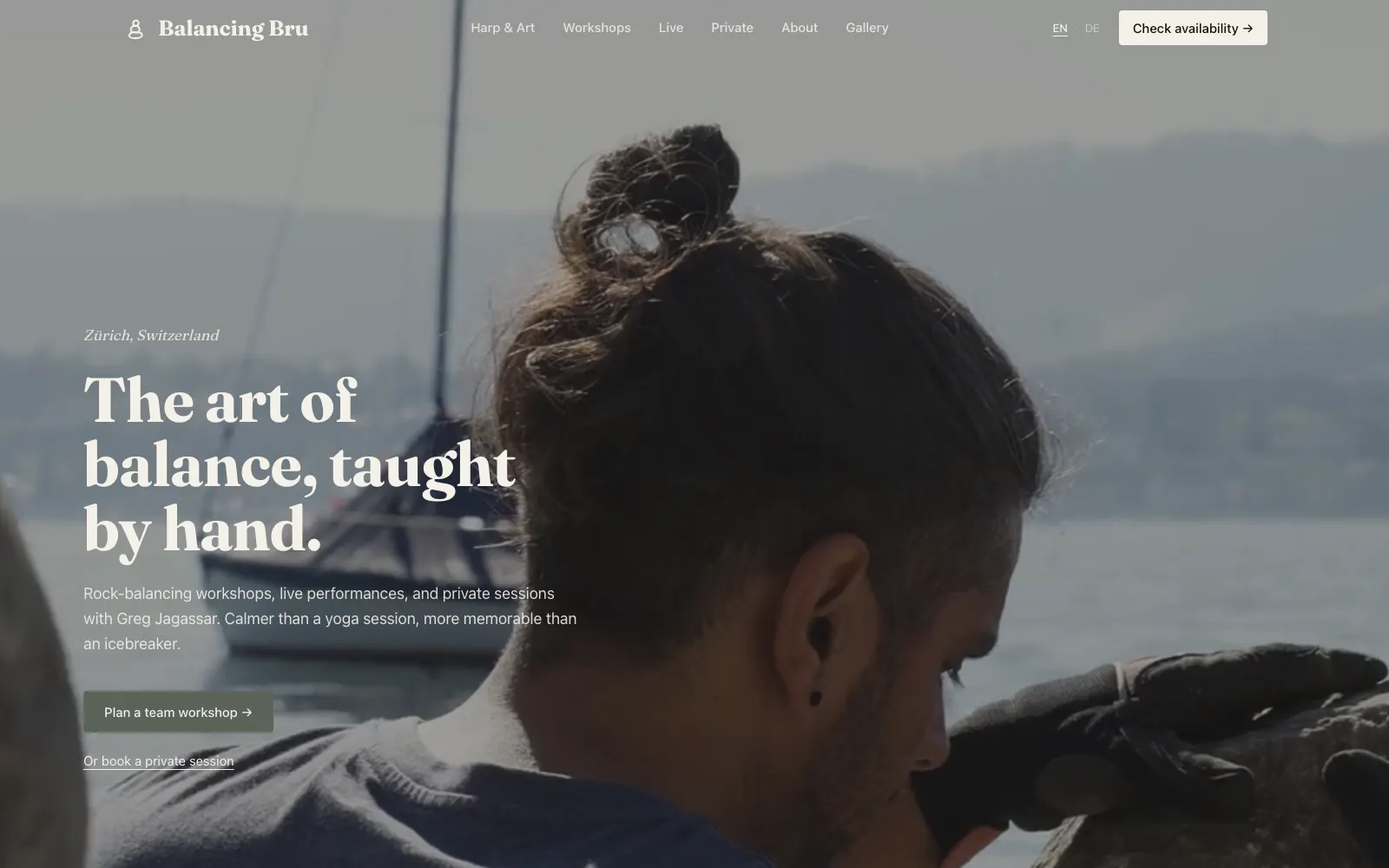
When we moved Balancing Bru, a bilingual site for a rock-balancing artist in Zürich, off WordPress, every old WordPress address was redirected to its new home so existing search rankings carried over. The artist now edits pages and events with a drag-and-drop page builder instead of WordPress.
Want help with this?
See our web design services in Winnipeg.