Booking Platform Commission vs Owning Your Booking System
By Jagassar ·
Booking platforms and marketplaces make it easy to start taking reservations online, but they get paid on every booking, and their terms decide who controls your customer list and your money. Owning your booking system swaps those ongoing fees for a build and upkeep cost. This guide explains how each side works so you can compare them with your own numbers.
How commission booking platforms make money
Booking software for tours, activities and appointments is usually paid for in one of a few ways. Many providers mix them, so read the contract, not just the sales page.
- A booking fee added to the customer's total at checkout. Your listed price stays the same, but the guest pays more than you charge, and the platform keeps the difference.
- A commission taken out of your share. The guest pays your price and the platform deducts its percentage before paying you.
- A monthly subscription, with card processing charged on top of each payment.
- A marketplace commission, where the platform also brings you the customer and takes a larger cut for that booking.
Card processing is often a separate charge on top of all of these. Peek's published merchant terms, for example, say its own fees "specifically exclude any credit card processing fees or charges."
What the main platforms publish
Fees change and are often set per business, so check each provider's current terms before you decide. Here's what their own pages said when we checked in October 2026:
- FareHarbor doesn't publish a price list on its website. Its pages ask operators to book a demo. Ask for the full fee schedule in writing, including whether a fee is added to the customer's total.
- Peek Pro says its pricing is "custom, quote-based" rather than a fixed monthly plan. Its merchant terms set a 20% fee on bookings that come through Peek's own marketplace and channels, and a separate 3% fee on bookings through its reseller hub.
- Viator says suppliers pay it a commission after the guest has had the experience, that suppliers can pay a higher commission for promoted placement, and that it may charge a non-refundable fee to review a new listing. It doesn't publish the commission rate on its public site.
- GetYourGuide says listing is free and it charges a commission only on successful bookings, with the rate depending on your country and shared after you sign up.
- Booksy, an appointment app for salons and barbers, lists a flat monthly subscription on its US pricing page, plus an optional marketplace feature called Boost that charges a one-time 30% fee on a new client's first visit, up to $100.
What you give up besides the fee
The percentage is the part everyone looks at. These matter just as much over a few years:
- Your customer list. Some terms give the platform ownership of guest data. Peek's marketplace terms say that, as between Peek and the merchant, "Peek owns all individual Customer and sales information" for marketplace bookings, while its main Peek Pro terms say both sides own the customer information the merchant collects. Find the data clause in your own contract.
- Your money's timing and currency. When the platform collects payment, it pays you on its schedule. Peek's terms say that, unless your agreement says otherwise, it pays out each business day and converts payouts to US dollars. For a Canadian business, a currency conversion on every payout adds up.
- Your website. Many platforms put their booking pages, branding or checkout on top of your site. The more of the experience runs on their pages, the harder it is to change providers later.
- Your exit. Check the term length, renewal and notice period. Peek's merchant agreement, for example, renews automatically for terms the same length as the first one.
What owning your booking system costs instead
Owning your booking system means the software is built for you, the customer data sits in an account you control, and payments go into your own merchant account. There's no per-booking commission, but there are real costs:
- The build. Cost depends on how much it does: simple time slots, or capacity per trip, packages, group bookings, waivers, gift cards, staff schedules and reporting.
- Card processing. You still pay a payment provider on every card payment. Owning the system removes the platform's cut, not the card fees.
- Hosting, security updates and support, every month, for as long as you use it.
- Changes. New products, new rules and new integrations need someone to build them.
- The things a platform gave you for free, like listings on travel marketplaces or a channel manager that syncs seats across sites. If you want those, they have to be connected or built.
To compare, add up a year of platform fees at your real booking volume, then set that against a build plus a year of upkeep. Do it for three years too. A business that takes most bookings direct usually sees the gap grow over time, while a business that relies on marketplaces for most of its guests may not.
Before pricing a build, run through our guide What a Small Business Booking System Needs. It lists the availability, reminder, payment and staff features most businesses forget to ask for.
Deposits, payments and refunds
Payments are where platforms and owned systems differ most in practice. Whichever way you go, decide these up front:
- Deposit or pay in full. A deposit at booking with the balance due before the trip reduces no-shows without scaring off guests booking far ahead.
- Unpaid seats. If a deposit or balance isn't paid, should the seat go back on sale automatically, and when?
- Who holds the money. With many platforms the money goes to the platform first and is paid out to you later. With your own system it lands in your merchant account on your payment provider's schedule.
- Refunds. Write a clear cancellation policy and check whether fees come back on a refund. Peek's terms say it may keep its fees and processing fees on refunded transactions.
- Disputes. When a guest disputes a charge with their bank (a chargeback), find out who responds and who pays the dispute fee.
When a marketplace is still worth it
Marketplaces like Viator and GetYourGuide are not just booking software. They're where travellers search for things to do. For a new business, a business in a tourist area, or one selling to visitors who have never heard of you, the commission can be a fair price for a customer you wouldn't have found yourself.
Treat it as a marketing cost. Compare the commission on a marketplace booking with what an ad would cost to win the same guest. The problem is paying a marketplace-sized cut on customers who already knew your name, such as repeat guests, locals and referrals.
The hybrid: own your direct bookings, use marketplaces for discovery
Most tour and activity businesses don't have to choose one side. A common setup:
- Your own booking system on your own website, for everyone who comes to you directly.
- Listings on one or two marketplaces for travellers who search there first.
- One source of truth for availability, so a seat sold on a marketplace disappears from your site and you never oversell a trip.
- Every guest, whatever the source, recorded in your own customer list, so you can invite them back to book direct next time.
Over time, the share of bookings that come direct is the number to watch. The more of them you own, the less you pay in commission.
What we built for dive and tour shops
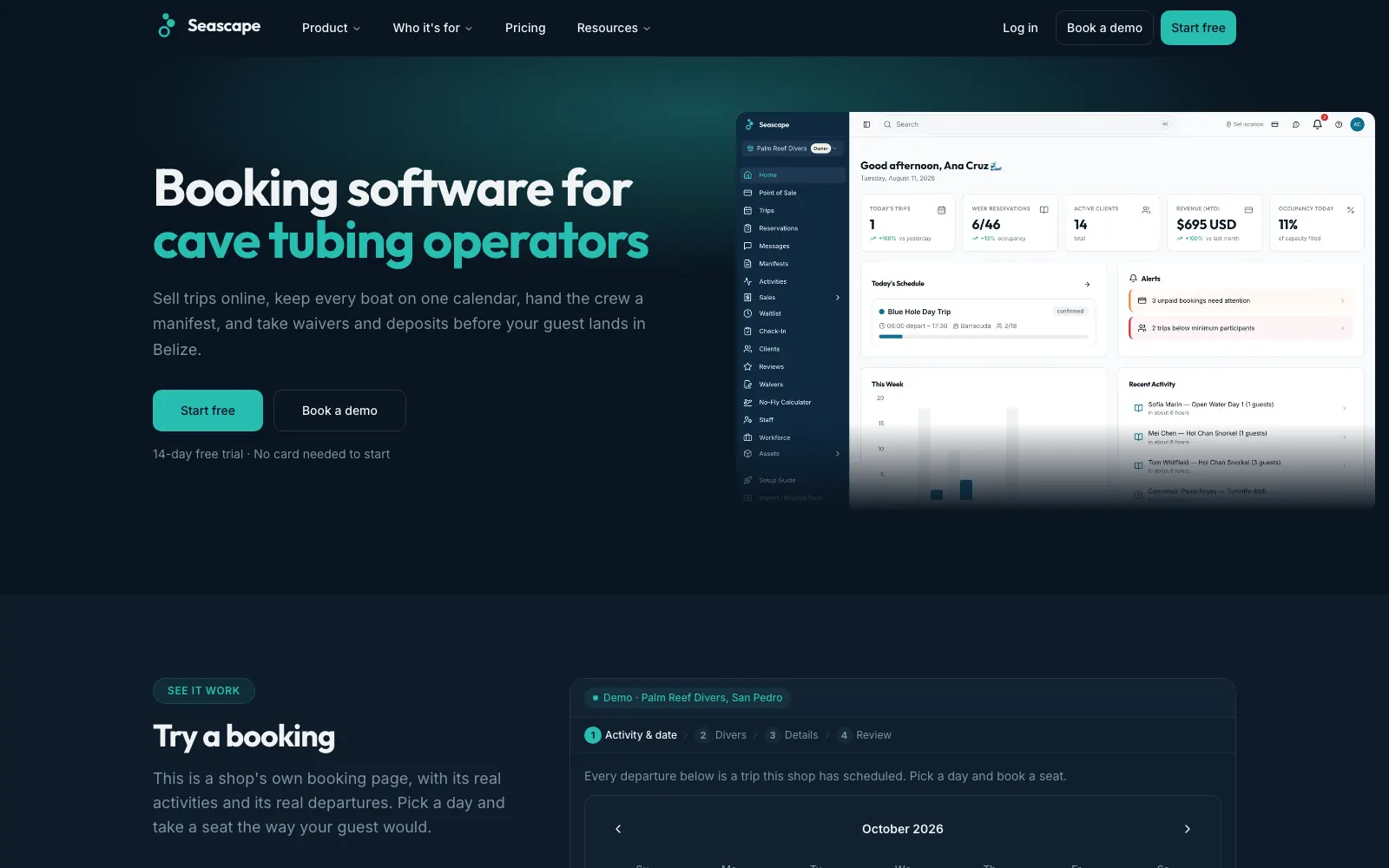
Seascape is our own booking and operations platform for dive and tour shops in Belize. It shows seats left on every trip, takes a deposit by card at booking and releases unpaid seats automatically. Card payments go through a local Belizean bank, with deposits, pay-in-full and balance-due links sent before the trip.
It also handles packages, group bookings, promo codes and gift cards, digital waivers signed on the guest's phone, boat manifests, and automatic confirmations and reminders, with a built-in website builder for each shop. It's live at seascape.bz.
Common questions
What is a booking platform commission?
It's the percentage a booking platform or marketplace keeps from each reservation made through it. Some take it out of your share before paying you; others add a booking fee to the customer's total instead. Card processing fees are often charged on top.
Is FareHarbor free for operators?
FareHarbor doesn't publish its pricing on its website and asks operators to book a demo. Before signing, ask FareHarbor for the full fee schedule in writing, including any fee added to the customer's total, processing fees and charges for extra features.
Who owns the customer data on a booking platform?
It depends on the contract, and it can differ between bookings you take yourself and bookings the platform's marketplace sends you. Read the data section of the terms before you sign, and keep your own record of every guest.
Can I keep selling on Viator if I have my own booking system?
Yes. Many operators list on marketplaces for discovery and take direct bookings through their own site. The key is keeping availability in sync so the same seat can't be sold twice.
Is it cheaper to build my own booking system?
Not always. You trade per-booking commissions for a build cost plus ongoing hosting, support and updates, and you still pay card processing. Compare a few years of real platform fees at your booking volume against the build and upkeep.
Sources
- Peek Pro: merchant terms, including marketplace fee, reseller hub fee and data clauses (checked October 2026)
- Peek Pro: home page, pricing described as custom and quote-based (checked October 2026)
- FareHarbor: home page (no published pricing, checked October 2026)
- FareHarbor: payments page (checked October 2026)
- Viator: how the site operates, supplier commission and listing review fee (checked October 2026)
- GetYourGuide: how much GetYourGuide charges supply partners (checked October 2026)
- Booksy: pricing, including Boost marketplace fee (checked October 2026)
Want help with this?
See our custom software services in Winnipeg.
More guides
- App vs Website for Small Business: What Do You Need? →
- How Much Does an App Cost in Canada? What Drives the Price →
- When to Replace Spreadsheets With Custom Software →
- Client Portal for Small Business: Do You Need One? →
- Website Cost in Winnipeg: What Changes the Price →
- Bilingual Website in Manitoba: Building an English/French Site →
- Website Not Generating Leads? A Guide for Manitoba Contractors →
- Manitoba Website Accessibility Requirements for Small Business →
- Funding a Website or Software in Manitoba: What's Open in 2026 →
- Online Payments in Canada: Stripe vs Square vs Moneris vs Helcim →
- Moving Off WordPress Without Losing Your Google Rankings →
- Shopify or a Custom Online Store? How to Choose →
- What a Small Business Booking System Needs →
- Google Business Profile Checklist for Winnipeg Businesses →