App vs Website for Small Business: What Do You Need?
By Jagassar ·
"We need an app" is one of the most common things a business owner says to a developer, and it's often half right. Sometimes a good website is all you need, sometimes a web app does the job, and sometimes a phone app from the App Store is worth the extra cost. This guide explains the difference in plain language and helps you work out which one fits your business.
Three things people mean by "an app"
The words get used loosely, so it helps to pin them down before talking budgets:
- Website: pages people read. It tells visitors who you are, what you do and how to reach you. It might have a contact form or a simple booking link, but mostly it's information.
- Web app: software that runs in the browser. People log in and do things: book, pay, track an order, upload files, manage their account. Your staff might use one too, to run the business behind the scenes. Nothing to download; it works on phones, tablets and computers from one address.
- Native app: an app built for iPhone or Android and installed from the Apple App Store or Google Play. It sits on the home screen and can use more of the phone's hardware and features.
There's also a fourth option in between, the progressive web app (PWA). It's a web app that can be "installed" from the browser, so it opens in its own window and gets an icon on the home screen or taskbar, without going through an app store. For many businesses it gives most of the feel of an app at closer to the cost of a website.
Signs a website is enough
A lot of small businesses don't need an app at all. A fast, clear website is probably enough if:
- Customers mainly need to find you, learn what you offer, see prices or examples of your work, and get in touch.
- Most sales still happen in person, by phone or by quote.
- Bookings are simple enough for an off-the-shelf scheduling tool linked from your site.
- You sell products and a standard online store, such as Shopify, covers how you sell.
- Customers don't need to log in to see anything that's specific to them.
If that sounds like you, put the money into a website that loads quickly, ranks in local search and makes it easy to contact you. You can always add a web app later.
When a web app or customer portal makes sense
A web app earns its keep when customers or staff need to do something, not just read something. Common signs:
- Customers keep phoning or emailing to ask for status updates, documents or invoices you could show them on a screen.
- Bookings have rules that ready-made tools can't handle, such as capacity limits, deposits, group bookings or waivers.
- You take payments that don't fit a shopping cart: deposits, balances due, invoices, payment links.
- Staff copy the same information between a spreadsheet, an inbox and an accounting tool every day.
- Different people need to see different things: customers see their own account, staff see everything, managers see reports.
A customer portal (a private, logged-in area where each client sees their own bookings, files or invoices) is one of the most common kinds of web app for small businesses. Because it runs in the browser, it works for every customer whatever phone or computer they use, and you only build it once.
A custom web app is also easier to change than a native app. When you fix something or add a feature, everyone gets it the next time they load the page. There's no app store review and nobody has to update anything.
When a native app is worth it
A native app costs more to build and look after, so it should be doing something a web app can't do well. It's usually worth it when:
- Your app relies on the phone's hardware: heavy camera use, scanning, GPS tracking in the background, Bluetooth devices or sensors.
- Push notifications are central to the product, and you need them to be dependable on both iPhone and Android.
- People need it to work offline for long stretches, such as crews in the field, on a boat or out of cell range.
- Customers use it often, many times a week, so having it on the home screen matters.
- Being in the App Store and Google Play is part of how people will find you or trust you.
Web apps can do more on phones than they used to, including some camera, location and offline features, but support varies between browsers and devices. If one of the points above is at the heart of what you're building, test it early or plan for a native app.
Many businesses end up with both: a web app for the bulk of the work, especially the admin side your staff use at a desk, and a small native app only for the jobs that need the phone.
What each option costs to run
The build is only part of the cost. Think about these as well:
- App store accounts: Apple's Developer Program, which you need to publish on the App Store, is listed at US$99 a year. Google Play charges a one-time US$25 registration fee for a developer account.
- App store fees on digital sales: if your app sells digital content or features inside the app, Apple and Google take a share. Apple's App Store Small Business Program, for developers earning up to US$1 million a year, offers a reduced commission of 15% on paid apps and in-app purchases. Google Play's fees depend on the type of sale and where your users are, so check its current fee page.
- Physical goods and services are different: Apple's guidelines say apps that sell goods or services used outside the app, such as a tour, a repair or a product, must take payment some other way, such as Apple Pay or card entry. That's normal card processing, not an app store commission.
- Two platforms: a native app usually means building for both iPhone and Android, and testing on both.
- Ongoing updates: Apple and Google release new versions of their phone software regularly, and native apps need updates to keep working well on them. Web apps need upkeep too (security updates, hosting, fixes), but you only maintain one version.
- Hosting and services: almost every app, native or web, talks to a server that stores accounts and data. That runs every month whether you have ten users or ten thousand.
Store fees and rules change, so check Apple's and Google's own pages before you plan around them.
A quick way to decide
Answer these questions honestly:
- Do customers only need to read about you and contact you? A website.
- Do customers or staff need to log in and get something done? A web app.
- Does it need to be installable without the app stores? A progressive web app.
- Does it depend on phone hardware, reliable push notifications, long offline use, or an App Store listing? A native app, probably alongside a web app for the admin side.
If you're unsure, start with the web. It reaches every device, it's quicker to change while you learn what customers actually use, and much of the work (the accounts, data and business rules behind the screens) carries over if you add a native app later.
How Seascape handles it
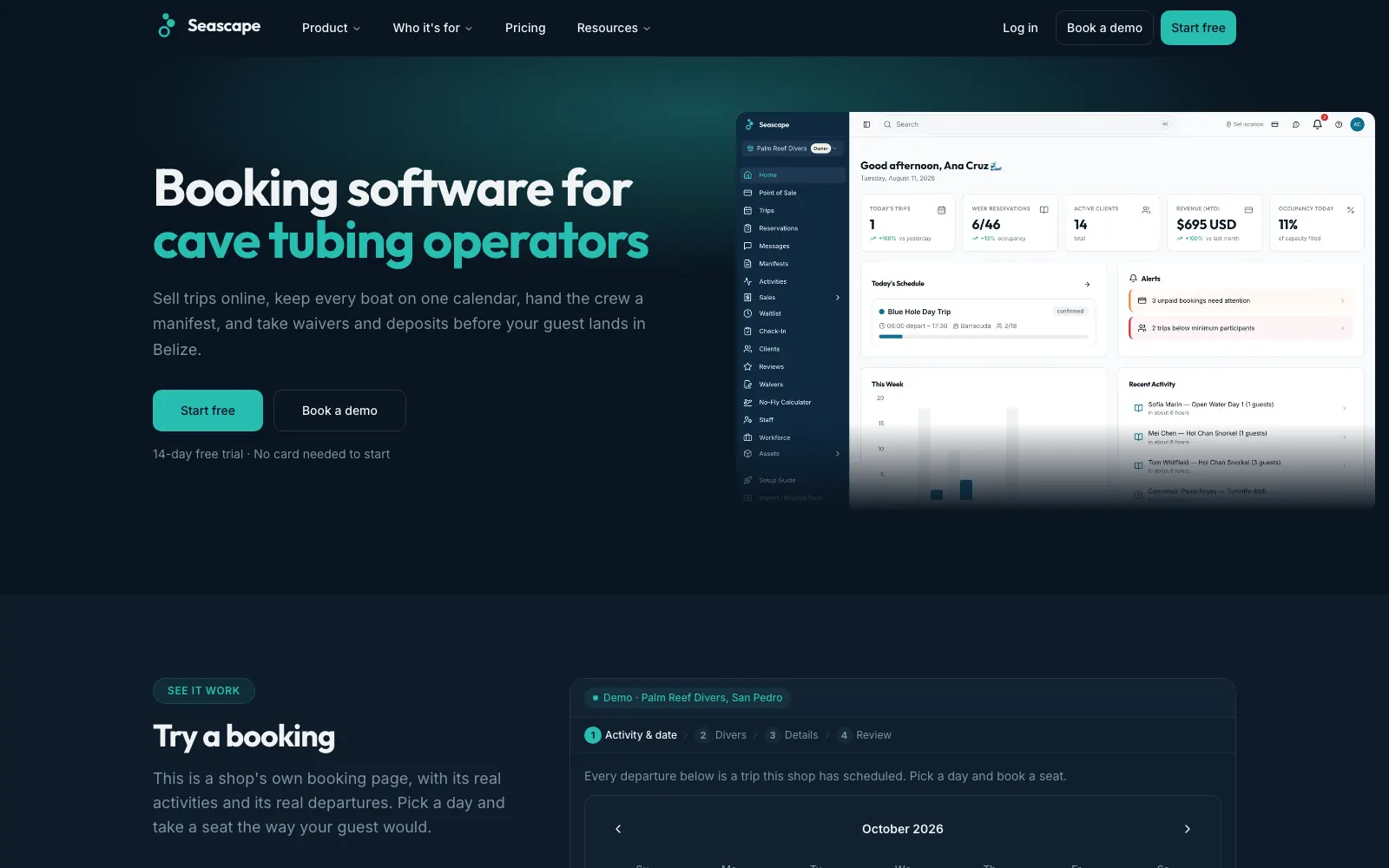
Seascape, our platform for dive and tour shops in Belize, is a good example of the web-first approach. Guests book trips online, pay a deposit by card and sign digital waivers and medical forms on their own phone, all in the browser, with nothing to download. On the shop's side, staff run boat manifests, QR self check-in, a point-of-sale till, invoices and daily takings reports from the same system.
Because it all runs on the web, every guest can book from whatever phone they have, and every shop gets new features the moment we release them.
Common questions
Does my small business need an app?
Only if customers or staff need to do something you can't handle well with a website and ready-made tools, such as logging in to see their own bookings, documents or invoices, or making payments that don't fit a standard checkout. Many small businesses are well served by a good website.
What is a progressive web app?
A progressive web app is a web app that can be installed from the browser. It opens in its own window and gets an icon on the home screen or taskbar, without going through an app store. It's one codebase that works on phones, tablets and computers.
Is a web app cheaper than a native app?
Usually, because you build and maintain one version that runs everywhere instead of separate iPhone and Android apps, and you avoid app store accounts and reviews. The real cost of either depends on the features you need.
Do Apple and Google take a cut of my sales?
They take a commission on digital goods and features sold inside an app. Apple's guidelines say physical goods and services used outside the app must be paid for another way, such as Apple Pay or card entry, so a booking or a product isn't charged the App Store commission. Check each store's current rules before you plan.
Can I start with a web app and add a mobile app later?
Yes, and it's often the sensible order. The accounts, data and business rules behind a web app can usually be reused by a native app, so you only add the parts that need the phone.
Sources
Want help with this?
See our app development services in Winnipeg.
More guides
- How Much Does an App Cost in Canada? What Drives the Price →
- When to Replace Spreadsheets With Custom Software →
- Client Portal for Small Business: Do You Need One? →
- Website Cost in Winnipeg: What Changes the Price →
- Bilingual Website in Manitoba: Building an English/French Site →
- Website Not Generating Leads? A Guide for Manitoba Contractors →
- Manitoba Website Accessibility Requirements for Small Business →
- Funding a Website or Software in Manitoba: What's Open in 2026 →
- Booking Platform Commission vs Owning Your Booking System →
- Online Payments in Canada: Stripe vs Square vs Moneris vs Helcim →
- Moving Off WordPress Without Losing Your Google Rankings →
- Shopify or a Custom Online Store? How to Choose →
- What a Small Business Booking System Needs →
- Google Business Profile Checklist for Winnipeg Businesses →